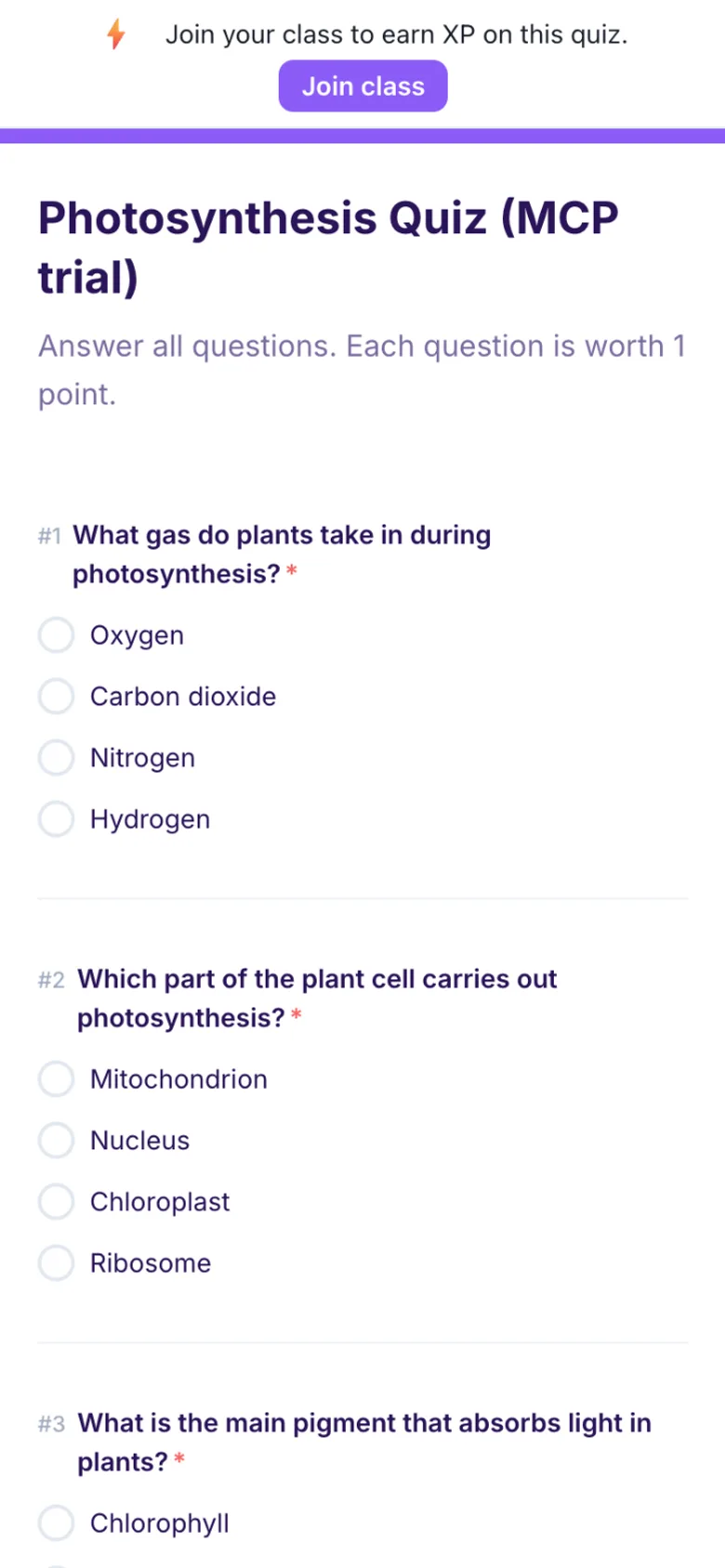
Google Forms Templates
2,100+ free, ready-to-use templates for quizzes, surveys, sign-ups and more. Edit any template, then send it to Google Forms or share it as a Formswrite form.
2167 templates
Page 1 of 181
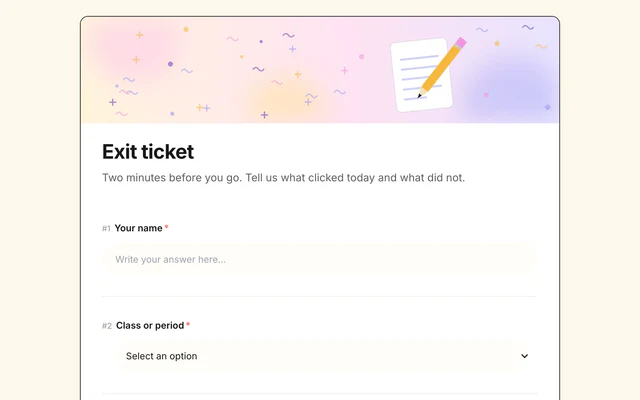
Exit ticket
A two minute exit ticket students fill in before they leave class: what they learned, how confident they feel and what is still unclear.
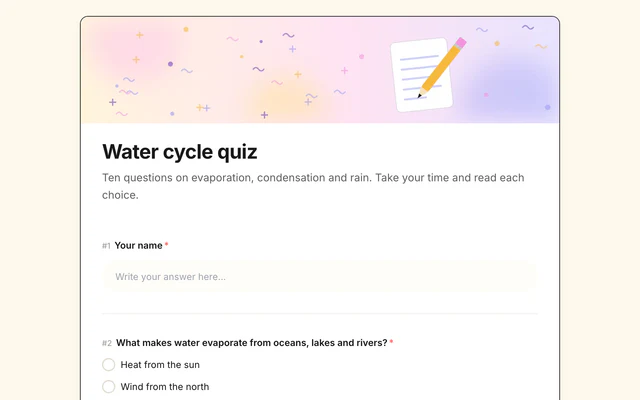
Education6 questionsWater cycle quiz
A ten question science quiz on evaporation, condensation, precipitation and collection, with an answer key so Formswrite grades it for you.
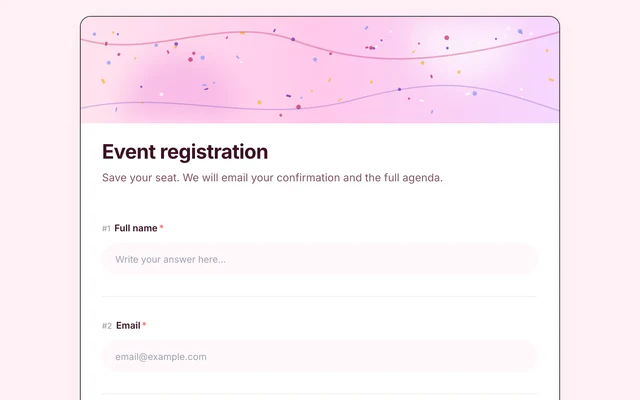
Education10 questionsEvent registration
Collect attendee details, preferences, and dietary needs with this versatile event registration form. Perfect for organizers managing any type of event.
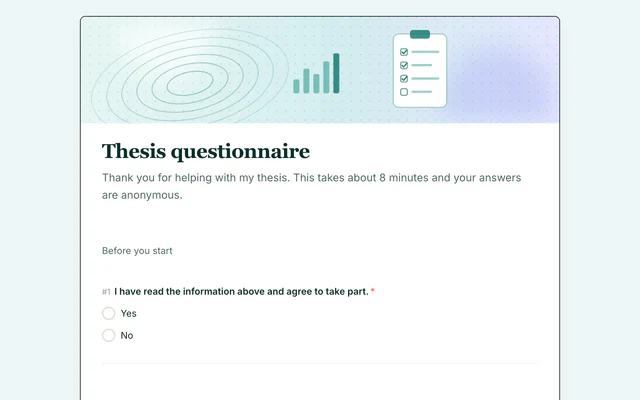
Events12 questionsThesis questionnaire
A ready to adapt questionnaire for an undergraduate or master's thesis: consent, demographics, Likert items on the topic and an open question.
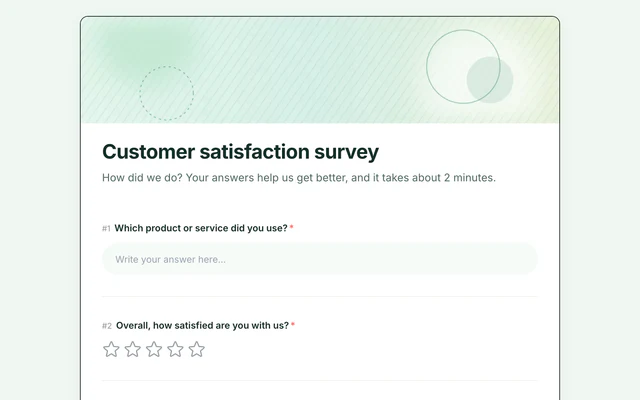
Research9 questionsCustomer satisfaction survey
Gather actionable customer feedback on your products and services. Ideal for businesses tracking satisfaction, loyalty, and areas for improvement.
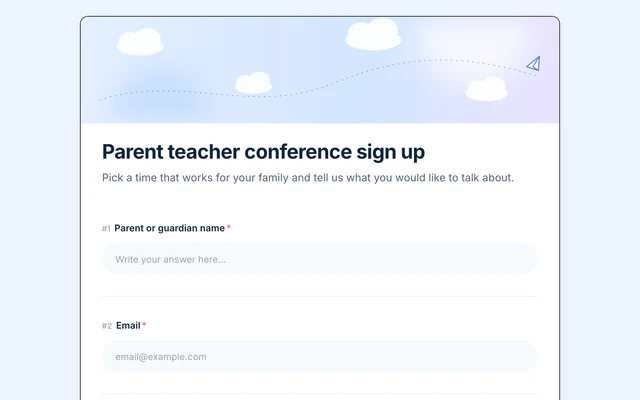
Business10 questionsParent teacher conference sign up
Schedule a parent-teacher conference time slot and share preferred discussion topics, language needs, and attending parties.
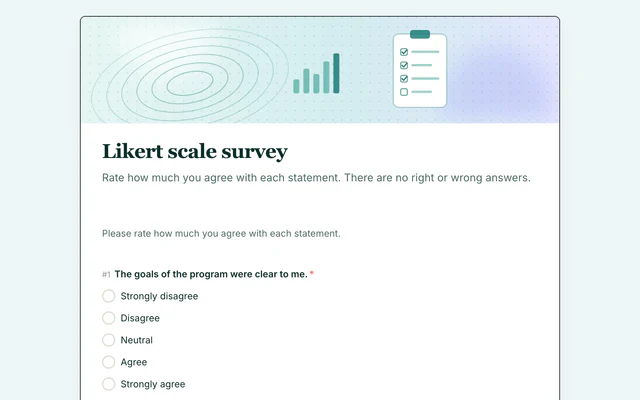
Education13 questionsLikert scale survey
A clean five point Likert scale survey you can adapt to any topic, with agreement items, a frequency item and a satisfaction rating.
Research7 questionsField trip permission slip
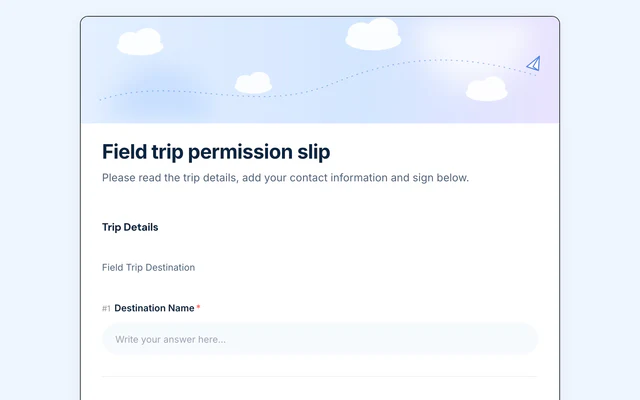
Obtain parental consent for a student field trip including trip details, emergency contacts, medical information, and signed release.
Education12 questionsJob application
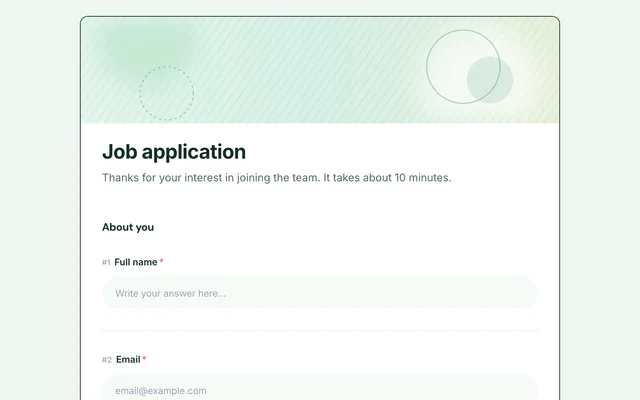
Collect candidate information, work history, and qualifications with this professional job application form. Ideal for HR teams and recruiters.
HR15 questionsWeekly reading log
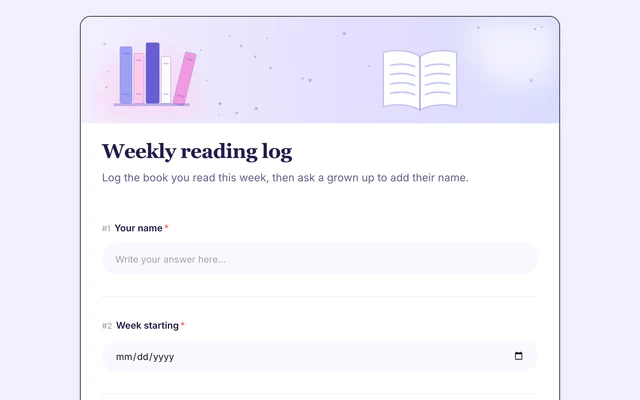
A weekly reading log students fill in at home: the book, pages and minutes read, a short reflection and a rating, ready for a parent signature.
Education10 questionsResearch consent form
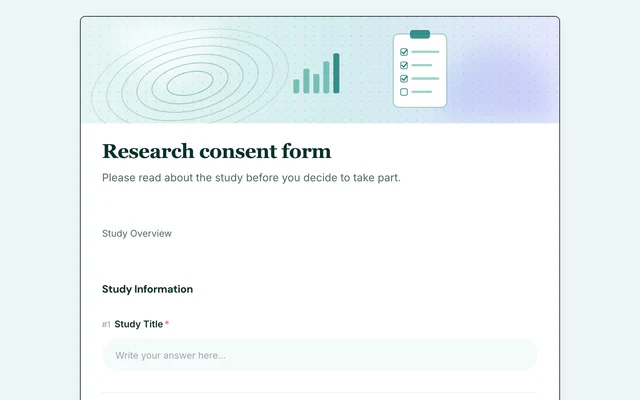
Obtain informed consent from research participants by disclosing purpose, procedures, risks, benefits, confidentiality, and voluntary withdrawal rights.
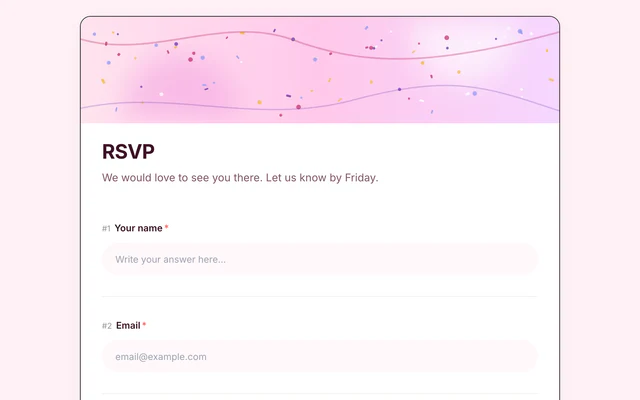
Research12 questionsRSVP
A friendly RSVP form for parties, open days and school events: who is coming, how many guests and any dietary needs.
Events6 questions
How to use a template in Google Forms
Three steps from template to a live Google Form.
Pick a template
Search or browse by category, then open a template to see every question before you use it.
Make it yours
Click Use template. It opens in the Formswrite editor, where you can reword questions, add or remove them and set an answer key for quizzes.
Send it to Google Forms
Export the finished form to your own Google Drive as a normal Google Form (Pro), or share it free as a Formswrite form with a link or QR code.
Google Forms templates by category
- Education (106)
- Research (33)
- Events (106)
- Business (43)
- HR (133)
- Nonprofit (37)
- Community (31)
- Marketing (72)
- Product (102)
- Health (231)
- Fitness (154)
- Personal (98)
- Office (33)
- Church (23)
- Hospitality (78)
- Travel (75)
- Retail (24)
- Pets (58)
- IT and tech (121)
- Legal (117)
- Government (88)
- Finance (107)
- Construction (71)
- Automotive (79)
- Real estate (120)
Top 50 Google Forms templates
- Exit ticket
- Water cycle quiz
- Event registration
- Thesis questionnaire
- Customer satisfaction survey
- Parent teacher conference sign up
- Likert scale survey
- Field trip permission slip
- Job application
- Weekly reading log
- Research consent form
- RSVP
- Class feedback survey
- Household survey
- Contact form
- Student information form
- Course evaluation
- Volunteer sign up
- Self assessment
- Order form
- Workshop feedback
- ESL grammar quiz
- Wellbeing check in
- After school club sign up
- Employee satisfaction survey
- After-School Care Program Registration Form for Parents and Guardians
- CDL Truck Driving School Enrollment Form
- Charter School Enrollment Lottery Application Form for Public Charter Schools
- English as a Second Language Placement Test Registration Form for Adult Learners
- English Language Learner Reclassification Form
- High School Debate Team Member Registration Form
- National Junior Honor Society Nomination
- Parent Volunteer Hours Log Form for Schools PTAs and Youth Sports Leagues
- PSAT/NMSQT Registration Form
- Robotics Club Permission Form
- Science Lab Safety Acknowledgment Form
- Science Olympiad Team Event Registration Form
- Student Internship Placement Form
- Bar Mitzvah RSVP
- Bat Mitzvah RSVP
- College Hackathon Team Formation and Project Pitch Form
- Esports Tournament Entry
- Golf Tournament Foursome Registration
- Hackathon Registration Form
- Independent Film Festival Entry Submission Form
- Obstacle Race Signup
- Photo Booth Rental Booking
- Race Day Volunteer Signup Form for Marathon 5K and Triathlon Event Organizers
- Wedding Ceremony Officiant Inquiry
- Client Feedback Form
Popular Google Forms templates
- Exit Ticket for the End of a Lesson
- Water Cycle Quiz for Grades 4 to 6
- Event Registration Form - Simplify Attendee Sign-Ups
- Thesis Research Questionnaire for Students
- Customer Satisfaction Survey Form - Measure Client Happiness
- Quarterly Parent Teacher Conference Time Slot Signup and Discussion Topics Form
- Likert Scale Survey Template
- Parent Permission Slip for Field Trip Form - Student Travel Authorization
- Job Application Form - Streamline Your Hiring Process
- Weekly Reading Log for Students
- Informed Consent Form for Research Study - IRB Participant Agreement
- Event RSVP Form
- Class Feedback Survey for Students
- Household Survey for Field Research
- Contact Us Form for Websites
- Back to School Student Information Form
- Course Evaluation Form for Student Feedback
- Volunteer Sign Up Form
- Student Self Assessment and Learning Reflection
- Simple Order Form for Small Businesses
- Workshop and Training Feedback Form
- Grammar Quiz (ESL) Form - B1 English Fill-the-Gap Assessment
- Student Wellbeing Check In Survey
- After School Club Sign Up Form
- Employee Satisfaction Survey Form - Measure Workplace Morale
Google Forms templates: common questions
Does Google Forms have templates?
How do I use one of these templates in Google Forms?
Are these Google Forms templates free?
Can I make a quiz template that grades itself?
What if there is no template for what I need?
Don't see what you need?
Create any form from scratch with our AI-powered form builder. Upload a document or describe what you need.