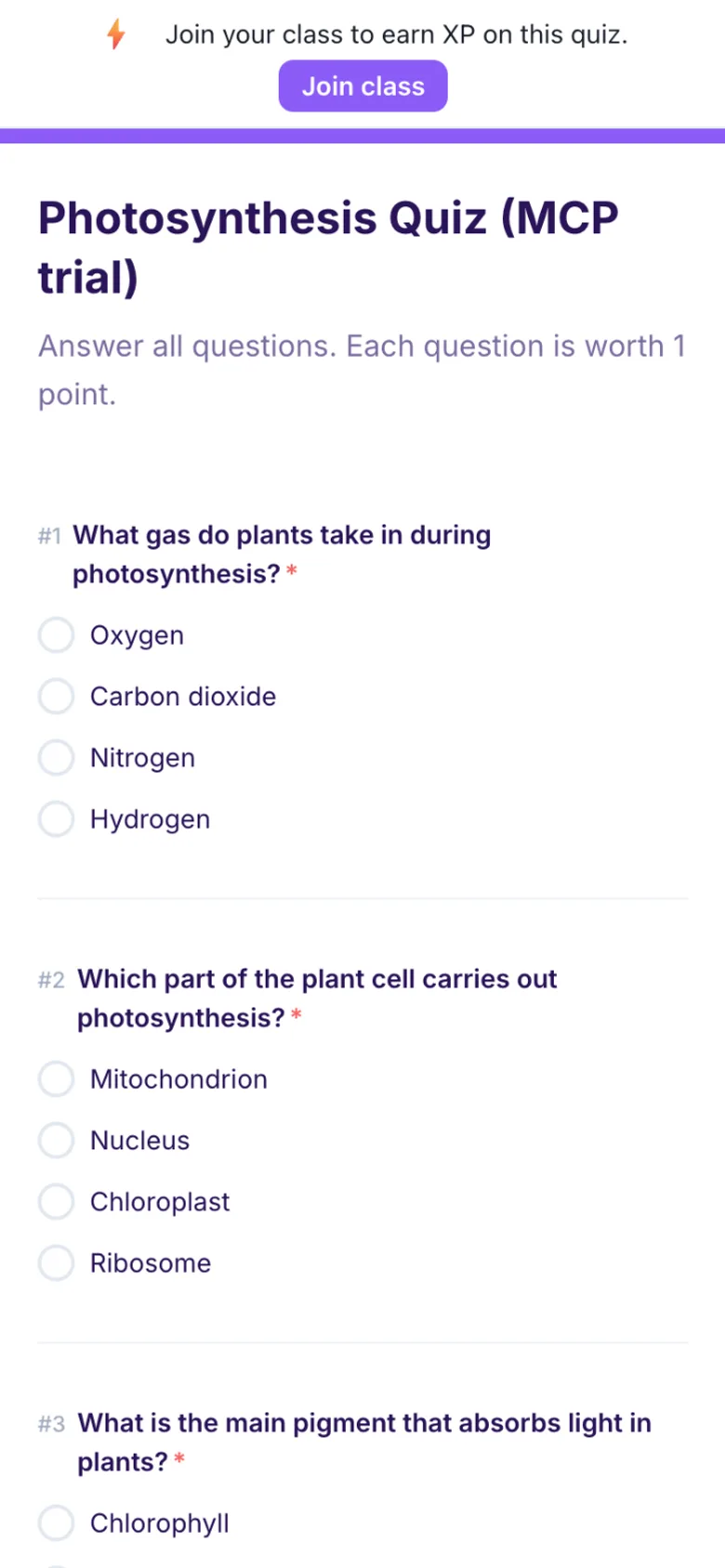
Formswrite makes it easy to convert your Google Docs into Google Forms. Simply write your quiz or assessment in Google Docs following our simple formatting guidelines, then use our one-click conversion to transform it into an interactive Google Form.
What question types are supported?
We support multiple choice questions (MCQ), true/false questions, open-ended questions, and more. Our system automatically detects the question type and formats it appropriately in Google Forms.
What is Formswrite?
Formswrite is a productivity tool that helps educators and trainers convert their Google Docs into interactive Google Forms with just one click. Perfect for creating quizzes, assessments, and surveys quickly and efficiently.
Can I include images in my forms?
Yes, any images in your Google Doc will be automatically included in your Google Form. Images are properly formatted and optimized for the best viewing experience.
How do I format questions in Google Docs?
We provide simple formatting guidelines that make it easy to structure your questions. You can use regular Google Docs formatting, and our system will automatically detect question types and convert them appropriately.
Can I set correct answers and point values?
Yes, you can specify correct answers and assign point values to questions in your Google Doc. These will be automatically configured in the resulting Google Form.
Do you support section breaks and form organization?
Yes, you can organize your form into sections using headings in Google Docs. These will be converted into proper form sections in Google Forms.
How many forms can I create on the free plan?
The free plan includes 5 new published Formswrite Forms per month, with no credit card required. Pro and Lifetime include unlimited Formswrite Forms plus exports to Google Forms and 25+ other platforms.
Can I bulk convert multiple documents?
Yes. Add your documents one after another: each one converts in seconds, and every form is kept together in your library.
What happens to my forms if I cancel?
Your forms will remain in your Google Drive and continue to work normally. Formswrite only handles the conversion process.
Can I edit forms after conversion?
Yes, you can edit your forms directly in Google Forms after conversion. Any changes you make will be preserved.
Can I use Formswrite with my school or institution?
Yes, Formswrite works with any Google Workspace account, including education accounts. We offer special pricing for educational institutions. Contact us to learn more.
Do you offer templates?
Yes, we provide a variety of quiz and assessment templates to help you get started quickly. You can also save your own documents as templates for future use.
Teachers and students in one place
Teachers build the quiz from a document. Students answer it on any device. Formswrite grades it for you.