From a document
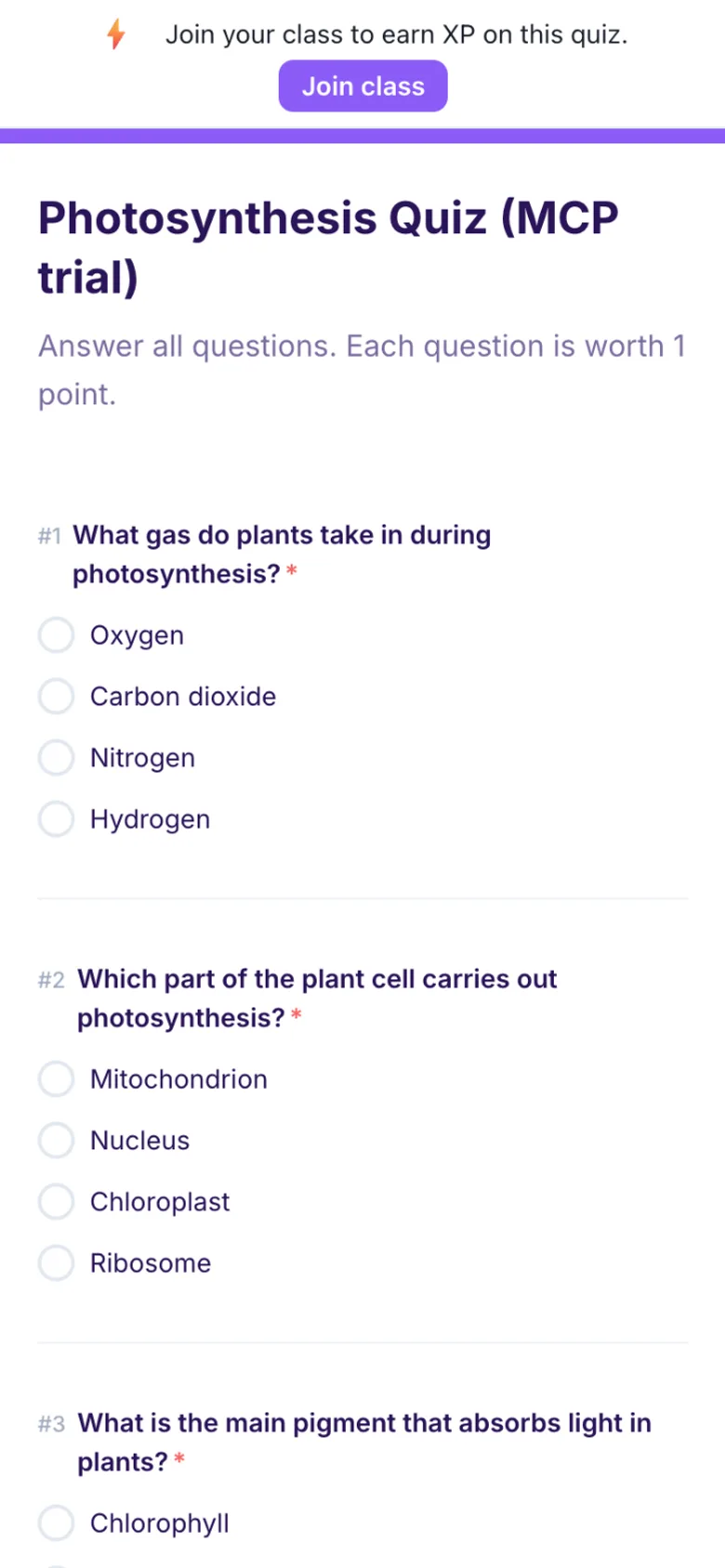
Upload a Word file, PDF or Google Doc with questions in it. Formswrite reads them, shows every question in an editor and writes the Gimkit import file.
Gimkit is a good way to drill facts, but a kit still starts with questions. Formswrite turns the worksheet, test or quiz you already have into a Gimkit import file, so you spend the time on the game and not on typing.
This page is about the part before the game: where the questions come from. For the basics of creating a kit, hosting live and assignments, the guide on how to make a Gimkit covers it end to end.
Gimkit has no public way for another tool to create a kit for you. What it does have is a spreadsheet import, and that is what Formswrite writes. You still press import inside Gimkit, and you still check the kit before you play it.
Upload a Word file, PDF or Google Doc with questions in it. Formswrite reads them, shows every question in an editor and writes the Gimkit import file.
Already built the quiz in Kahoot, Blooket, Wayground or Quizlet? Import it into Formswrite and export it again for Gimkit.
If you keep questions in a sheet, see the exact columns Gimkit's import expects before you build one.
Upload a Word file, PDF or Google Doc, or import a quiz from another platform.
Fix wrong answers, add the wrong options Gimkit needs and see what will be skipped before anything leaves Formswrite.
Choose Gimkit in the export list. The Gimkit export is on Formswrite's paid plans.
In Gimkit, create a new kit. Choose the spreadsheet import option and upload the .csv from Formswrite. Check the questions and save the kit.
Gimkit questions are multiple choice with one right answer and a few wrong ones. Here is how Formswrite treats everything else, so there are no surprises in the kit.
With the Formswrite Chrome extension installed, a finished Gimkit export shows a Send to Gimkit button. Formswrite opens the Gimkit import page and attaches the file, or shows the steps. Without the extension you download the file and follow the same steps by hand. About the extension
Gimkit Pro is sold by Gimkit, not by Formswrite, and buying Formswrite does not include it. It is the plan that adds all game modes, assignments, and images and audio on questions.
Gimkit's help center lists Pro at $14.99 billed monthly or $59.88 billed once a year. Checked on 2026-10-27. Prices change, so confirm on gimkit.com before you buy. School and department licenses are set up through Gimkit Groups.
Formswrite only creates the import file. It works with a free Gimkit Basic account too, and the kit then plays in whatever modes your Gimkit plan includes.
Source: Gimkit Pro FAQ, checked . Current plans are on gimkit.com/pricing.
Convert a kahoot to Gimkit: paste the kahoot link, fix the 3 question types Gimkit cannot take, then download a Gimkit CSV. The answer key comes with it.
Convert a Quizlet set to Gimkit: paste Quizlet's export text, fix the one question type Gimkit cannot take, then download a Gimkit CSV.
Convert a Google Form to Gimkit: pick the form from Drive, fix the 4 question types Gimkit cannot take, then download a Gimkit CSV.
Convert a Wayground (Quizizz) quiz to Gimkit: upload the Wayground sheet, fix the 3 question types Gimkit cannot take, then download a Gimkit CSV.
Convert a Blooket set to Gimkit: upload the Blooket CSV, every question type fits, then download a Gimkit CSV. The answer key comes with it.
Teachers build the quiz from a document. Students answer it on any device. Formswrite grades it for you.