Free Google Form QR Code Generator

Paste any URL, customize your QR code, and download it instantly. Free, no signup required.

Enter a URL to generate your QR code

How It Works

  1. Pip

    Paste

    Enter any URL or Google Form link

  2. Kiki

    Customize

    Pick colors, size & error correction

  3. Rio

    Download

    Get your QR code as PNG or SVG

QR Codes for Every Use Case

From classrooms to conferences, QR codes make sharing Google Forms effortless.

  • Classrooms

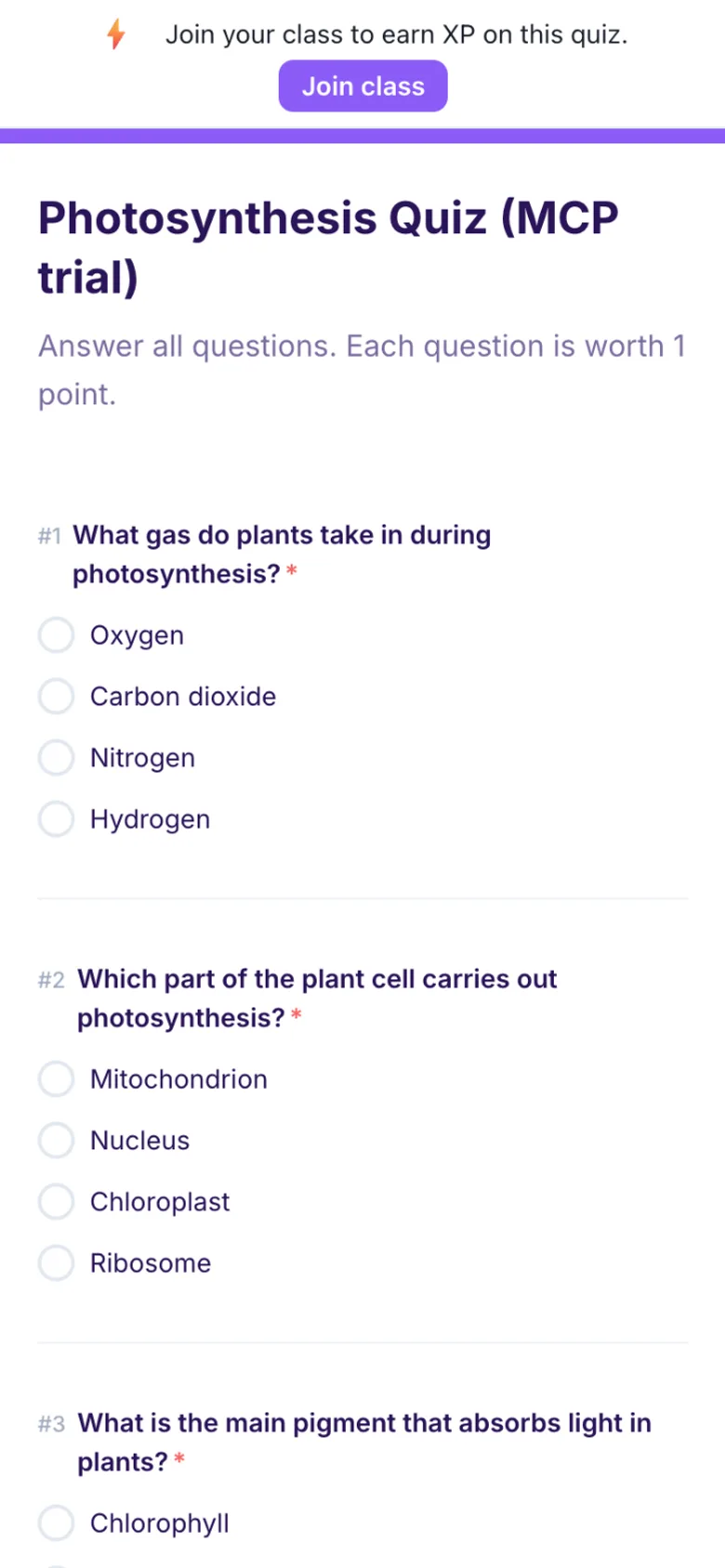
    Share quizzes and assignments instantly. Students scan the code from the board or a handout to open the Google Form on their device.

  • Events

    Add QR codes to posters, flyers, or slides so attendees can quickly access registration forms, feedback surveys, or event details.

  • Surveys

    Place QR codes on product packaging, receipts, or in-store signage to collect customer feedback through Google Forms effortlessly.

  • Training

    Embed QR codes in training manuals or slides so participants can access quizzes, evaluations, and follow-up forms on the spot.

Frequently Asked Questions

How do I create a QR code for a Google Form?
Paste your Google Form link into the URL field above and a QR code is generated instantly. You can customize the colors and size, then download it as PNG or SVG. No account or signup needed.
Is this QR code generator free?
Yes, completely free with no limits. Generate and download as many QR codes as you need. There are no watermarks, no sign-up requirements, and no hidden fees.
Can I customize the colors of my QR code?
Yes. Use the foreground and background color pickers to match your brand or presentation theme. The tool will warn you if the contrast is too low for reliable scanning.
What is error correction and which level should I use?
Error correction allows a QR code to be scanned even if part of it is damaged or obscured. Medium (M) works well for most uses. Choose High (H) if you plan to print the code small or place a logo over it.
What file formats can I download?
You can download your QR code as a PNG image (best for presentations and documents) or as an SVG vector file (best for print materials that need to scale to any size without losing quality).
Will the QR code work on printed materials?
Yes. For best results, use a size of at least 300px, keep high contrast between foreground and background colors, and use the SVG format for large-format printing.

Need to Create Google Forms from Documents?

Formswrite converts Google Docs, PDFs, and Word files into Google Forms with one click. Try it free.