Moodle to Canvas
Send the same question bank to Canvas instead.
Bring a Moodle question bank into Formswrite, fix what Google Forms cannot take, then get a self grading Google Form. No retyping, and the editor shows every question before it leaves.
 Moodle
 Google Forms
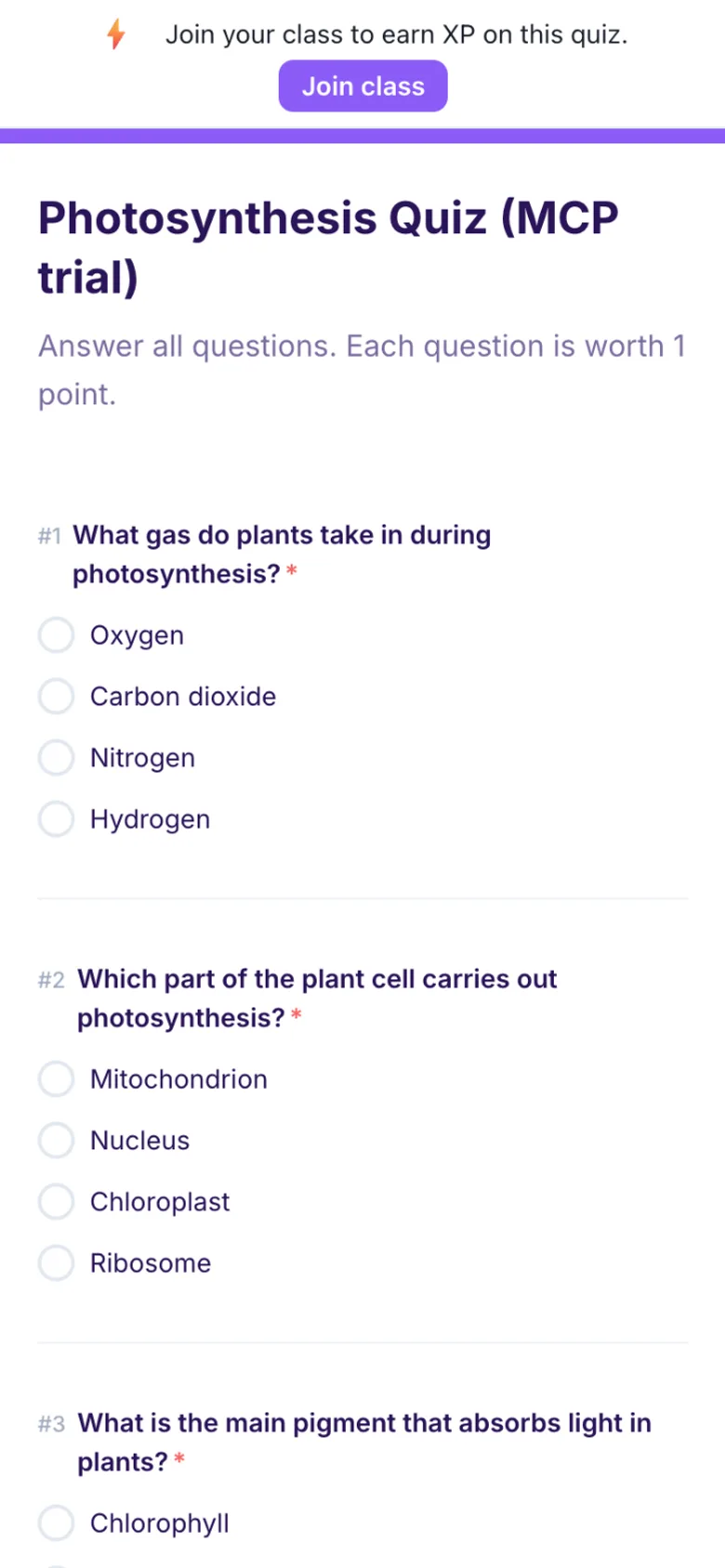
A Moodle category becomes a Google Form in quiz mode, a quick way to give the same questions to a class without Moodle accounts.
A Moodle question bank is one of the most portable things a teacher owns, but most game and form tools cannot open Moodle XML. Formswrite reads the Moodle XML file from your question bank, shows every question in an editor, and writes a Google Form, created in your own Google Drive for Google Forms, which suits a link anyone can open, with responses and grades in Google Sheets.
Of the 7 question types Moodle can hand over, 6 have a place in Google Forms (4 as they are, 2 as a close equivalent) and 1 need a fix in the editor first. The table below says which.
Kept means it arrives as it was. Changed means a close equivalent. Fix first means Google Forms needs an edit in the Formswrite editor before you export. Left out means the Google Forms file has no place for it.
| Question type | From Moodle | In Google Forms |
|---|---|---|
| Multiple choice | Multichoice questions with one right answer come in as multiple choice. | KeptKept as multiple choice with points and the right answer, in quiz mode. |
| Multiple answers | Multichoice questions with several right answers come in as checkbox questions. | KeptKept as checkboxes with every right answer marked. |
| True or false | True or false questions come in as two option multiple choice. | ChangedBecomes multiple choice with two options. |
| Short answer and fill in the blank | Short answer questions come in with their accepted answers. | KeptKept as short answer with your accepted answers in the key. |
| Essay and paragraph | Essay questions come in as essay questions. | KeptKept as a paragraph question you grade by hand. |
| Numerical answer | Read when the file marks it clearly. Look it over in the editor. | ChangedBecomes short answer with the number as the accepted answer. |
| Matching | Read when the file marks it clearly. Look it over in the editor. | Fix firstGoogle Forms has no matching question. A multiple choice grid can stand in, so rebuild it in the editor. |
In your Moodle course, open the Question bank. Choose Export and pick Moodle XML format. Select the category with your questions and click Export questions to file. Upload the .xml file to Formswrite.
Open the importer, pick Moodle and give it the Moodle XML file from your question bank. The questions open in the editor as a draft, nothing is sent to Google Forms yet.
Of what Moodle hands over, Google Forms will not take matching as they are, so rewrite or remove those questions. Spot check the answer key and fix any typos while the questions are in one place.
Choose Google Forms in the export list. Formswrite builds a Google Form, created in your own Google Drive and lists any question it had to skip or trim.
Choose Google Forms as the export in Formswrite. Connect your Google account when Formswrite asks. Open the new form from the link and send it from Google Forms.
Import a Moodle question bank free, check it in the editor, then export the Google Forms file.