Kahoot to Blooket
Send the same kahoot to Blooket instead.
Bring a kahoot into Formswrite, fix what Google Forms cannot take, then get a self grading Google Form. No retyping, and the editor shows every question before it leaves.
 Kahoot
 Google Forms
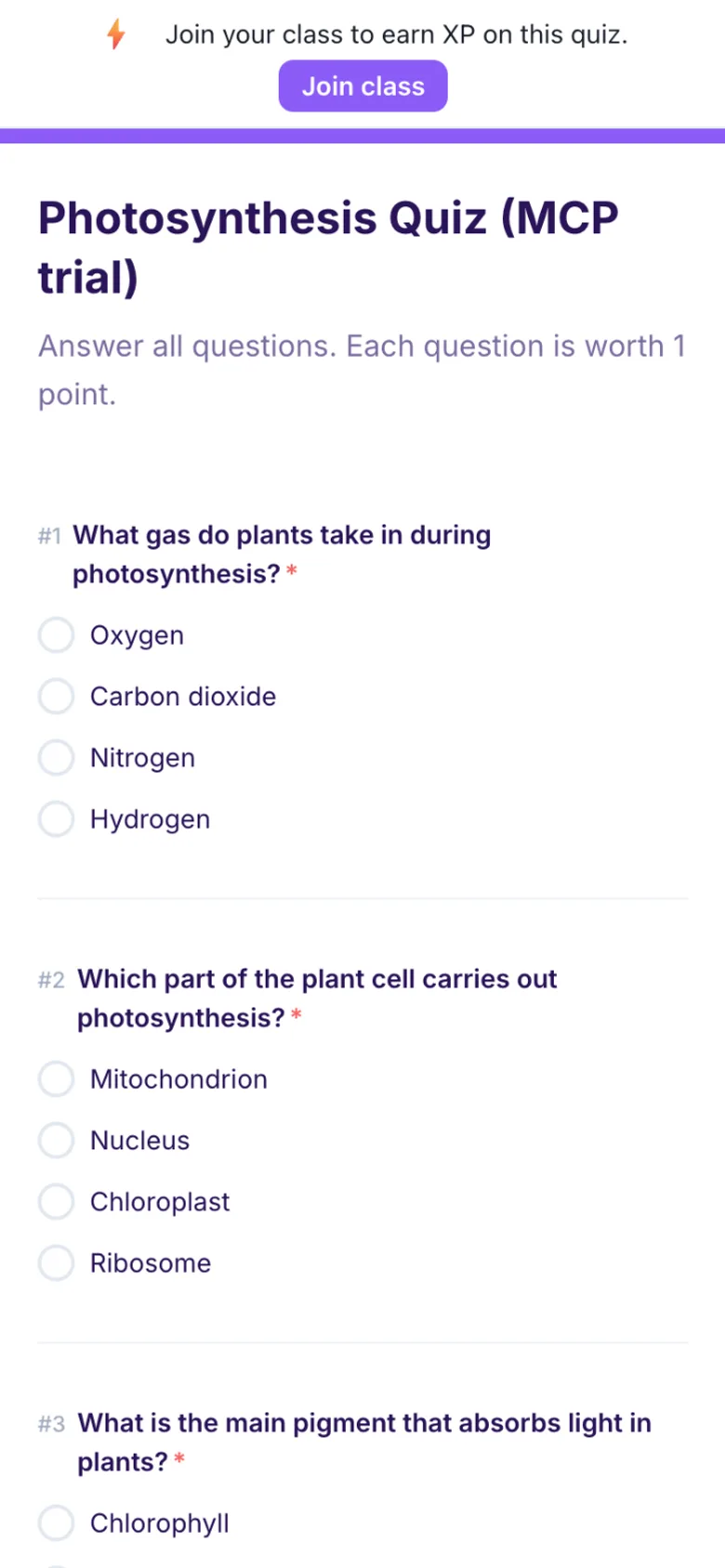
A kahoot becomes a self graded Google Form in quiz mode, which is the easy way to turn Friday's game into a check for understanding that lands in Sheets.
A kahoot is built for one live game at a time. Moving it out lets the same questions run as homework, a self paced game or a graded quiz. Formswrite reads the kahoot link, shows every question in an editor, and writes a Google Form, created in your own Google Drive for Google Forms, which suits a link anyone can open, with responses and grades in Google Sheets.
Of the 6 question types Kahoot can hand over, 5 have a place in Google Forms (4 as they are, 1 as a close equivalent) and 1 need a fix in the editor first. The table below says which.
Kept means it arrives as it was. Changed means a close equivalent. Fix first means Google Forms needs an edit in the Formswrite editor before you export. Left out means the Google Forms file has no place for it.
| Question type | From Kahoot | In Google Forms |
|---|---|---|
| Multiple choice | Quiz questions come in with every answer and the right one marked. | KeptKept as multiple choice with points and the right answer, in quiz mode. |
| Multiple answers | Questions with several right answers come in as checkbox questions with each right answer marked. | KeptKept as checkboxes with every right answer marked. |
| True or false | True or false questions come in as two option multiple choice. | ChangedBecomes multiple choice with two options. |
| Short answer and fill in the blank | Type answer questions come in as short answer, with the answers Kahoot accepts. | KeptKept as short answer with your accepted answers in the key. |
| Ordering (puzzle, jumble) | Puzzle (jumble) questions come in as ordering questions in the right order. | Fix firstGoogle Forms has no ordering question. Rewrite it before you export. |
| Poll and survey questions | Poll, word cloud and brainstorm slides come in as ungraded multiple choice. | KeptKept as a question with no points. |
Open kahoot.it, sign in and go to your Library. Open the kahoot, or start Play or Host to reach its lobby. Copy the link from the address bar, or use Share and Copy link. Any kahoot.it link with a quizId works.
Open the importer, pick Kahoot and give it the kahoot link. The questions open in the editor as a draft, nothing is sent to Google Forms yet.
Of what Kahoot hands over, Google Forms will not take ordering (puzzle, jumble) as they are, so rewrite or remove those questions. Formswrite builds the form in quiz mode with points and right answers, so Google grades each response on submit.
Choose Google Forms in the export list. Formswrite builds a Google Form, created in your own Google Drive and lists any question it had to skip or trim.
Choose Google Forms as the export in Formswrite. Connect your Google account when Formswrite asks. Open the new form from the link and send it from Google Forms.
Import a kahoot free, check it in the editor, then export the Google Forms file.