

Start from the material you already teach
Upload the chapter PDF, your Word worksheet or a Google Doc. Formswrite writes the questions and marks the answers, so you review instead of typing terms one by one.
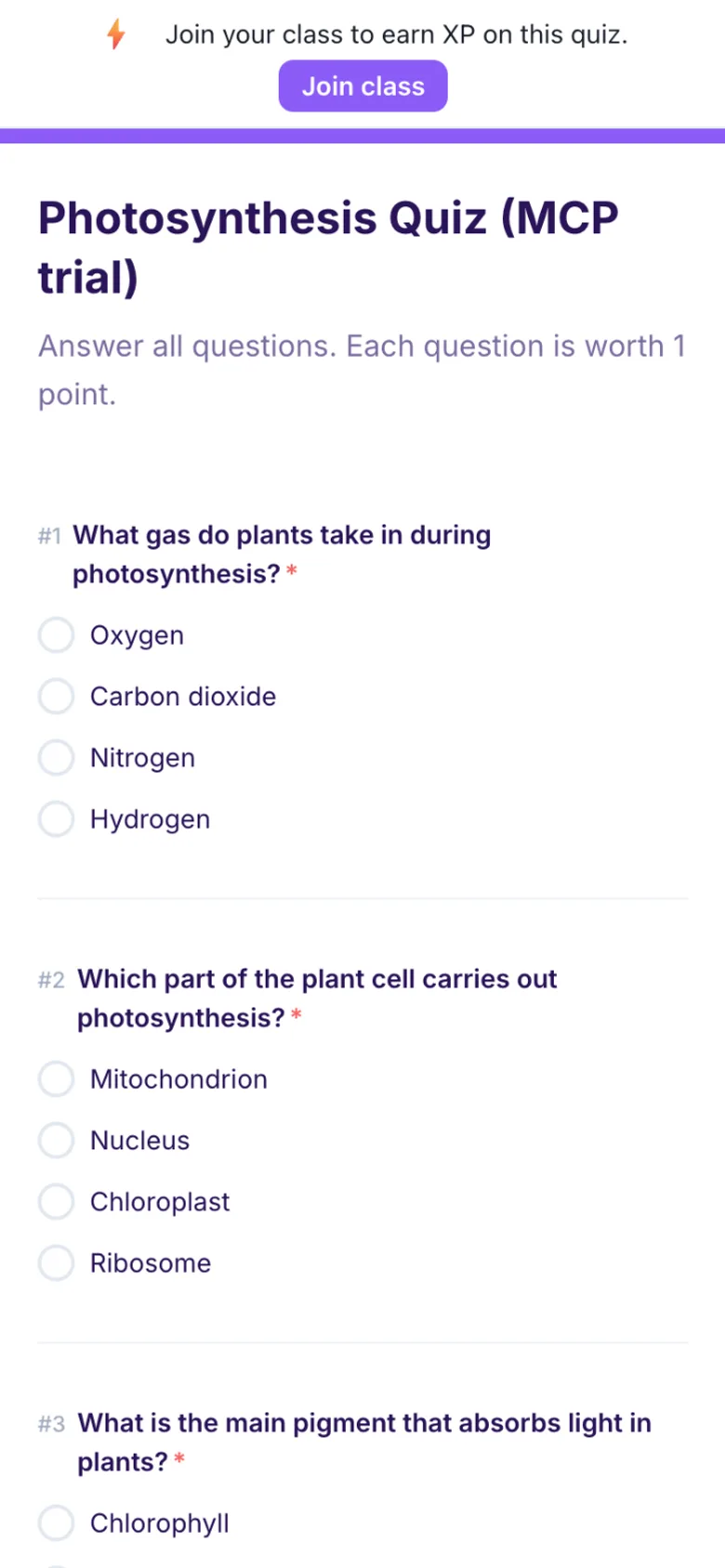
Upload a chapter PDF, Word worksheet or Google Doc and get a quiz with an answer key, plus a flashcard set for students. Export to Google Forms, Canvas, Moodle, Kahoot and more on a paid plan, or start free with Formswrite Forms.
The AI quiz generator built for educators
Quizlet is excellent for flashcard practice, with a huge library of shared sets and games like Quizlet Live. Where teachers hit a wall is the graded quiz: turning this week's chapter into a test with an answer key that lands in Google Forms or the LMS. That is the job Formswrite is built for.
Side-by-side comparison of the AI quiz generation features that matter most for teachers and trainers.
| Feature | Formswrite | Quizlet |
|---|---|---|
| Where the questions come from | Your Word file, PDF, Google Doc, slides, a photo of a worksheet, or a topic | Sets you or other users made. AI tools also turn documents into flashcards, study guides and practice tests |
| Library of sets made by other users | No | Yes, its biggest strength |
| Quiz with an answer key from a chapter | Multiple choice, true/false, short answer, fill in the blank and matching, with the key marked | Test mode builds a quiz from a flashcard set |
| Flashcards and student study modes | Flashcards, Learn, Test and a one page Guide, shared by link | Flashcards, Learn, Test and games such as Match and Blast. Free users get limited Learn rounds and one Test round per set |
| Live classroom game | Live game students join with a 6 digit PIN | Quizlet Live, a team game with no student accounts needed |
| Export to Google Forms | Yes, on a paid plan | Not found. Sets export as copied term and definition text |
| Export to Canvas, Moodle, Blackboard, Schoology | Yes | Not found in Quizlet help center |
| Export to Kahoot, Quizizz, Blooket, Gimkit | Yes | Not found in Quizlet help center |
| Google Classroom | Post the exported Google Form in Classroom | Share sets to Classroom from the website. The add-on needs Google Workspace for Education Plus or the Teaching and Learning upgrade |
| Seeing how students did | Every response and score in Formswrite Forms or Google Forms | Class Progress with Quizlet Plus for teachers. Quizlet says it is not meant for grades |
| Grading written answers | AI grading of short answers and essays against your rubric | Smart grading checks student answers inside Learn |
| Printing | Export to Word, edit and print | Print sets from the website, not from mobile |
| Free plan | 5 published Formswrite Forms a month. Other exports are paid | Free with limits. Quizlet Plus, Plus Unlimited and Quizlet Plus for teachers add more |
Quizlet facts read on 14 October 2026 from: quizlet.com/teachers, quizlet.com/features/test, quizlet.com/features/learning-games, help.quizlet.com (Studying with Learn, Using Class Progress, Exporting your sets, Printing sets, Google Classroom articles). Plans and features change, so check the vendor page before you decide.
Formswrite covers the part of the week Quizlet covers least: from your own document to a graded quiz, plus flashcards from the same source.
Upload the chapter PDF, your Word worksheet or a Google Doc. Formswrite writes the questions and marks the answers, so you review instead of typing terms one by one.
Export the same quiz to Google Forms, Canvas, Moodle, Blackboard, Schoology, Kahoot, Quizizz, Blooket, Word and more, with the answer key carried over.
Turn the chapter into a study set with Flashcards, Learn, Test and a Guide. Share it by link, and students can study without an account.
AI grading scores short answers and essays against your rubric and writes feedback for each student, so you review results instead of marking every script.
Use the chapter, worksheet or notes you teach from. For an existing Quizlet set, copy its exported terms into a document.
Choose question types and how many you want. Read every question, fix wording and confirm the answer key.
Send a Formswrite Form link, export to Google Forms or your LMS, host a live game, or share a flashcard set.
Join 50,000+ educators using Formswrite - the AI quiz generator built for classrooms.